Collaborate live
Share a live conversation. Participants read the same history, continue it together and see new contributions.
Features
Kaldur connects the building blocks of modern knowledge work – on your own or together. Available models and integrations may vary by plan and organisation.
Work with different models in one consistent conversation flow.
Connect conversations with shared instructions, files and durable project knowledge.
Choose from approved models and capabilities, centrally managed and clearly described.
Bring current information into your work through search and web tools.
Provide source material and keep generated files where the work happens.
Package methods and tools into reusable assistants.
Schedule recurring work and receive its results back in Kaldur.
Extend workflows through controlled plugins and MCP connections.
Shared context
Shared instructions, files and project knowledge cut repetition. Project members work in the same context while permissions remain enforced on the server.
Collaboration
Kaldur deliberately distinguishes between live collaboration, a shared snapshot and durable project context.
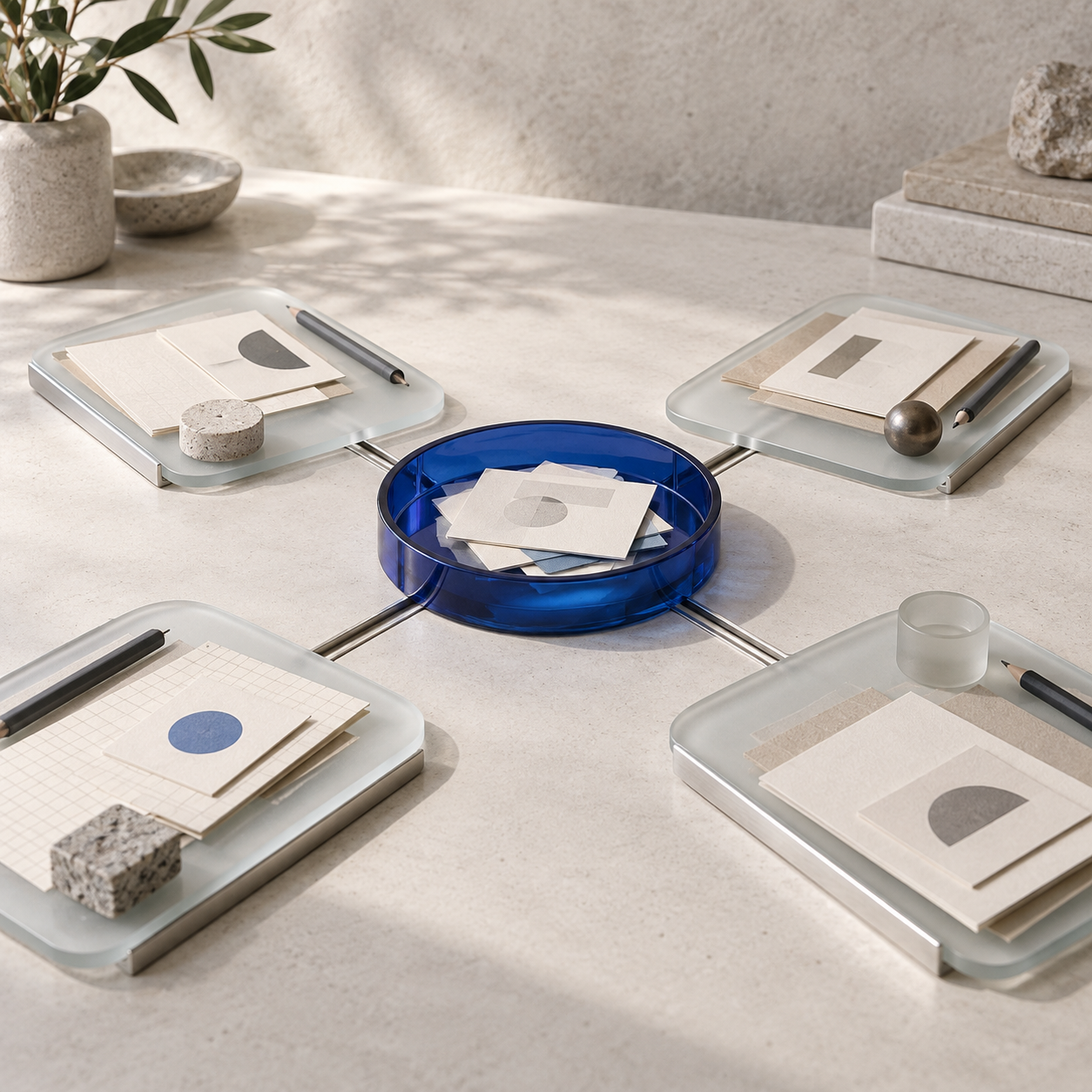
Share a live conversation. Participants read the same history, continue it together and see new contributions.
Share a completed snapshot when the recipient should continue independently in their own copy.
Project members gain access to its conversations, including conversations added later.
Households and small teams can share resources with every occupied seat in their common Space.
Business tenants share deliberately with people, directory groups or every signed-in member of the organisation.
Drafts, read state, flags and personal plugin credentials remain specific to each user.